Samsung Galaxy J1 Ace gaming performance casual games
Introduction of Samsung Galaxy J1
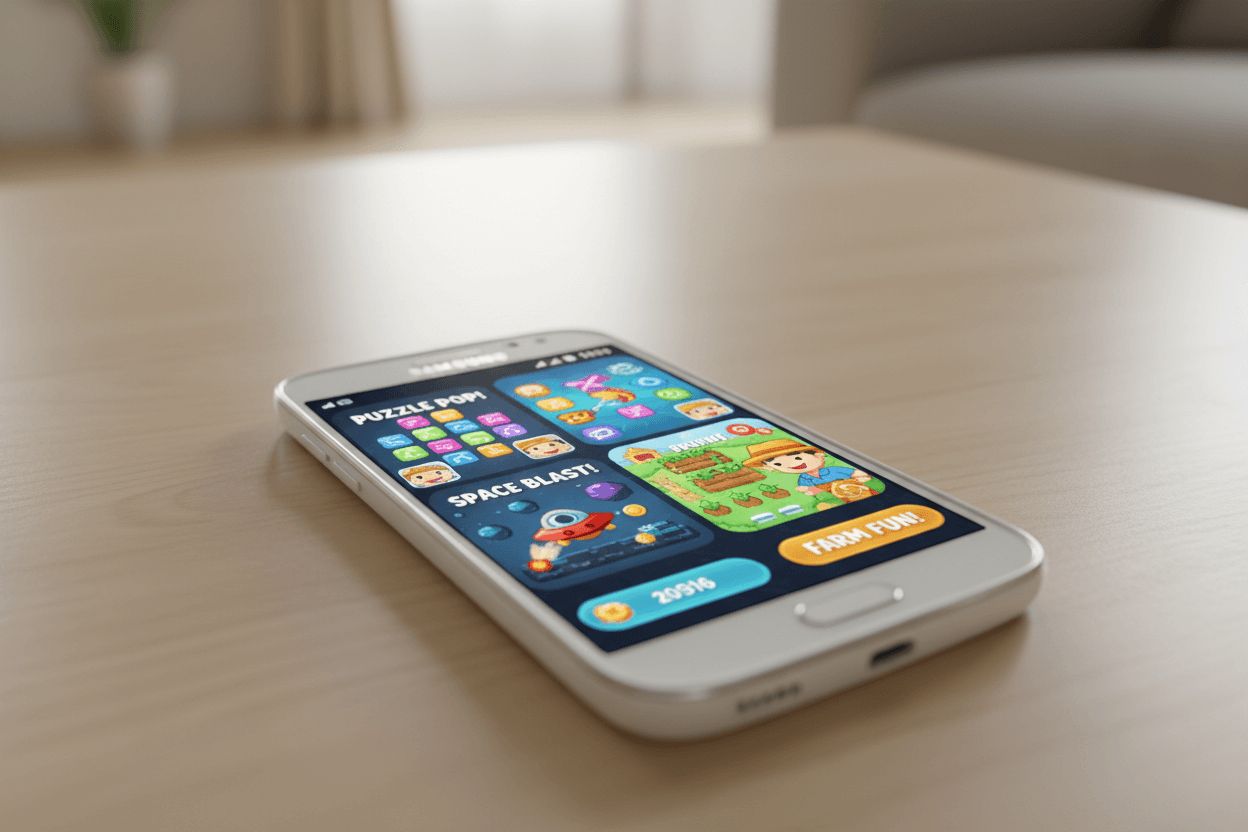
The Samsung Galaxy J1 Ace is a compact, budget smartphone that first arrived in 2015. Though it’s no gaming powerhouse, its Super AMOLED screen, small size and modest hardware make it an interesting option for users who want a cheap pocketable device primarily for casual gaming, light social apps and basic multimedia. This article examines the Galaxy J1 Ace gaming performance with popular casual titles, explains where the phone performs well (and where it doesn’t), and gives practical tips for Indian users who may still be using or considering second-hand / refurbished units.
Quick spec snapshot (what matters for gaming)
-
SoC / CPU & GPU: The Samsung Galaxy J1 Ace was released in multiple regional variants. Typical SoCs include the Marvell PXA1908 or Spreadtrum SC7727/SC9830 family with low-end Cortex-A7/A53 cores and GPUs such as Mali-400MP2 or Vivante GC7000 UL in some variants.
-
RAM & storage: Models ship with 512 MB to 1 GB RAM and 4–8 GB internal storage (expandable via microSD).
-
Display: 4.3-inch Super AMOLED at 480×800 — very bright and high contrast for the price/age.
-
Battery: Small removable battery around 1,850 mAh depending on listing — battery life varies but typical for light use.
These hardware points define the J1 Ace’s gaming ceiling: small screen and AMOLED make visuals pleasant for casual titles, but the low RAM, limited CPU/GPU and tiny storage limit modern or demanding games.
What “casual games” means on the J1 Ace
For this phone we define casual games as titles that are light on 3D rendering and memory: Candy Crush / Bubble Shooter / Subway Surfers (older versions) / Temple Run (older versions) / 2D arcade / puzzle games / simple endless runners / card & board games. These games typically use low graphical fidelity, small assets, and modest memory, so they are the most realistic for the J1 Ace. More modern, heavy 3D games (e.g., PUBG Mobile, Call of Duty Mobile, Genshin Impact) are outside the intended scope.
Real-world gameplay: how the J1 Ace handles popular casual titles
-
Match/Tile/Puzzle games (Candy Crush, 2048, Bubble Shooter)
-
These run smoothly when the device has minimal background apps. The CPU/GPU load is light; the small AMOLED display actually makes colors pop, giving an enjoyable experience. Expect occasional stutter if RAM is full, but generally good playability. 2D platformers and endless runners (Temple Run, Subway Surfers — older builds)
-
Older versions of these games that don’t require high GPU power can run at acceptable frame rates with lowered graphic settings. Newer updates of such games may not support older Android versions or may have higher resource demands — so stick to older APKs verified safe or lightweight official builds.
-
-
Simple arcade / retro emulators
-
Emulators for older consoles (Game Boy Advance, NES, SNES) are a strong match. The CPU and GPU are adequate for 2D emulation; battery drain is moderate but gameplay is enjoyable given the responsive AMOLED screen.
-
-
Casual online card / board games
-
Games like Ludo, Rummy, and simple multiplayer casual titles function well as long as the network connection is stable. The single-threaded/network latency is usually the limiting factor, not raw CPU/GPU power.
-
Performance numbers & benchmarks (what they tell us)
Synthetic benchmarks (Geekbench and older GFXBench entries for J1 Ace variants) show low single-core and multi-core CPU scores and modest GPU throughput compared with even mid-range phones from the same era. Typical Geekbench single-core scores for J1 Ace are low (single-core ~400s), which aligns with its budget CPU design; GFXBench entries confirm limited 3D throughput. Those results predict the real-world experience: great for UI, video playback and simple 2D games, but weak for sustained 3D rendering.
Practical tips to get the best gaming experience on J1 Ace (India users)
-
Use a lightweight Android build / update where possible — if your variant can run Lollipop (Android 5.1.1) without extra bloat, that’s preferable — fewer background services improves RAM availability.
-
Limit background apps — keep only the game running (use recent apps to force-stop heavy apps). This reduces RAM pressure and avoids stutters.
-
Use microSD for media, keep internal storage free — many phones with 4–8 GB storage slow down when storage is near full. Move photos/music to microSD.
-
Lower in-game graphics / frame settings — choose “low” or “classic” modes if available.
-
Use older/smaller APK versions for runners/arcade games if current Play Store versions are unsupported — only install from trusted sources.
-
Keep phone cool — prolonged sessions on the modest battery/SoC can produce thermal throttling; play in short sessions to maintain performance.
Battery & thermal behaviour during gameplay
With a 1,850 mAh battery, expect moderate playtime: a 30–60 minute session of light casual gaming is realistic before a noticeable battery drop, depending on brightness and network use. Because the SoC is old and the battery capacity small, anxiety about overheating is low for casual loads but battery drain can be visible during long sessions or if the screen brightness is high. If you’re in India and rely on this phone daily, carry a small power bank for longer play sessions.
Controls, comfort and display — user experience highlights
-
Screen size (4.3"): very pocketable and easy to hold for long puzzle sessions. Some modern gamers may find the screen small, but for casual touch games it is comfortable and accurate.
-
AMOLED advantage: deep blacks and punchy colors make tile and puzzle games pop — a surprising visual plus on a budget device.
Is it worth gaming on the J1 Ace in 2025 (India)? — who should consider it
-
Good fit for: users who want an ultra-cheap, second or backup phone for messaging plus occasional casual gaming (puzzles, retro emulators, card games). Also useful for kids or elderly users who enjoy simple titles.
-
Not recommended for: players who want to run modern 3D mobile titles, competitive online shooters, or resource-intensive strategy games. For those, even entry-level modern phones (with 3–4 GB RAM and modern SoCs) provide a far superior experience.
Buying tips for Indian shoppers (refurbished / second-hand market)
-
Check RAM/storage variant: prioritize 1 GB RAM models if available; 512 MB variants will struggle more.
-
Battery health: confirm the removable battery condition — ask the seller for battery cycle info or insist on testing.
-
Android version: prefer units running Lollipop (5.1) where possible — it’s more compatible with slightly newer casual game builds.
-
Price expectations: these devices are budget/secondary units; expect low prices for refurbished models. For a little more money, consider slightly newer entry phones with better RAM/SoC.
Conclusion — realistic expectations win
The Samsung Galaxy J1 Ace remains an acceptable casual gaming device for simple puzzle, 2D arcade and retro emulator titles thanks to its AMOLED screen and compact form. However, limited RAM, modest SoC power and small battery mean you should keep expectations aligned: it’s for casual fun, not modern 3D gaming. If your needs are light gaming plus messaging and calls — especially on a tight budget or as a secondary phone in India — the J1 Ace still has a place. For more serious gaming, budget smartphones with newer SoCs and at least 2–3 GB RAM are the better choice.
FAQs of Samsung Galaxy J1
Q.1. Can Galaxy J1 Ace run PUBG or COD Mobile?
No — the J1 Ace is too weak for modern 3D shooters; expect crashes or inability to install.
Q.2. Which casual games run best on J1 Ace?
Puzzle games (Candy Crush style), 2D platformers (older builds), tile games, card and retro emulators run best.
Q.3. Is 1 GB RAM enough for casual gaming on this phone?
It’s workable but tight — 1 GB is preferable over 512 MB for smoother experience.
Q.4. How long does battery last during gaming?
With a 1,850 mAh battery, expect 30–60 minutes of active casual gaming before notable drain (varies by brightness and network).
Q.5. Any tips to improve gaming performance?
Close background apps, free internal storage, use lower in-game settings, and keep the phone cool; prefer older/lightweight APK versions if needed.